Emergency Room Simulator Patient Chart & Documentation
Log findings clearly so diagnoses, treatments, and handoffs stay coherent under load.
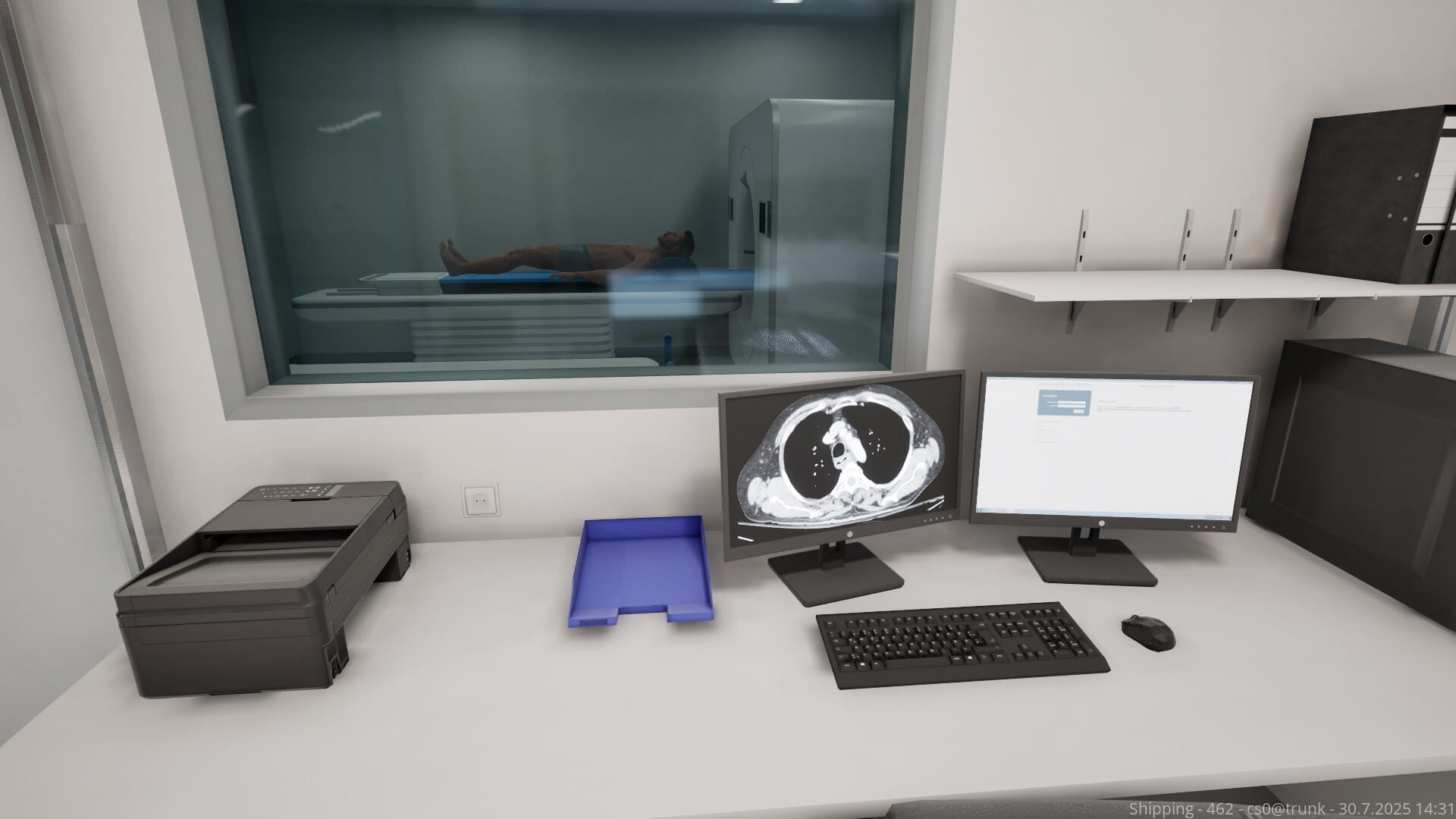
Aerosoft lists medical detective work that includes logging findings in the patient chart. In real emergency medicine, the chart is both legal record and thinking scratchpad — Emergency Room Simulator likely uses it similarly to track your reasoning, unlock treatment options, and score thoroughness.
Neglect the chart and you may lose access to medications, repeat redundant questions, or fail continuity checks when returning to a patient after a code elsewhere. This guide teaches documentation habits that survive triage interruptions.
Chart sections you should expect
Based on genre standards and official feature copy, anticipate blocks for:
- Demographics and arrival mode (walk-in vs EMS)
- Chief complaint and history of present illness
- Past medical history, meds, allergies
- Review of systems highlights
- Physical exam findings
- Orders and results (labs, imaging, ECG)
- Assessment and plan
- Procedures performed and disposition
Exact UI labels will be confirmed at launch; the structure mirrors real ER notes.
Document while you think, not after
Waiting until a case ends causes omissions when another patient crashes mid-shift. Minimum viable charting during active care:
- One-line chief complaint on arrival
- Allergy and med list before prescribing
- Pertinent positives/negatives after history
- Results summary when labs return
- Final assessment before disposition
Link to first-shift guide for where charting sits in the macro loop.
Pertinent negatives matter
Sim scoring may check whether you asked stroke mimics, cardiac risk factors, or trauma red flags. Recording negatives proves you considered dangerous diagnoses:
- “No chest pain” in abdominal cases if relevant
- “No head strike” in syncope with trauma excluded
- “Denies pregnancy” when ordering certain meds/imaging
This pairs with diagnosis workflow differentials.
Allergies and medication reconciliation
Before any treatment minigame, verify allergy fields. Wrong antibiotic clicks after a documented penicillin allergy could trigger fail states or patient harm animations.
When EMS gives meds en route, copy them into the chart before adding your own orders — duplicate sedatives or fluids cause simulated complications in many sims.
Linking orders to clinical questions
Each order entry should answer a hypothesis noted in the chart:
- “ECG — rule out ACS in exertional chest pain”
- “CT abdomen — evaluate for appendicitis in RLQ pain with fever”
If the game exposes free-text notes, use them; if not, internalize the link so you cancel irrelevant orders faster.
Results interpretation notes
When imaging/labs return, add a one-sentence interpretation before treatment:
- “ECG: sinus tachycardia, no ST elevation — low immediate ACS probability but continue serials if pain persists”
Even if optional, this habit prevents treating numbers you misread under pressure.
Procedure documentation
After suturing, splinting, or CPR, log:
- Time started/ended
- Complications (failed IV, recognized pneumothorax)
- Who was notified if nurse NPCs exist
See emergency procedures for crisis documentation shortcuts — during CPR, terse timestamps beat paragraphs.
Handoffs and multiple patients
When triage priorities force context switches, read your last chart entry before re-engaging. A thirty-second recap beats repeating questions the patient already answered.
Consider a personal sticky note template outside the game for streamers tracking multi-patient streams until UI improvements arrive.
Common charting failures in sims
- Copy-paste exam boilerplate — triggers quality penalties if detected
- Ordering before documenting indication — locks wrong pathways
- Ignoring allergy banner — instant medication errors
- Failing to update plan after new results — treating outdated diagnosis
Scoring and narrative consequences
Documentation may affect:
- Department funding or reputation meters
- Malpractice-style narrative events
- Achievement unlocks for thorough care
We will document confirmed scoring systems post-launch in Updates.
Related resources
- Diagnosis workflow
- Medical equipment — what to log from each test
- Shift prep checklist — UI scaling for text readability
- Controls hub — hotkeys for chart navigation if available
Frequently Asked Questions
Quick answers to the most common questions.
Is charting required to finish a case?
Likely yes for core scenarios. Exact requirements will be confirmed after release.
Can I edit the chart later?
Expect limited edits; real-time note fixes may be allowed. Test in tutorial scenarios first.
Does poor charting fail shifts?
Many sims tie scoring to documentation completeness. Treat charting as part of winning, not role-play fluff.
Where do I learn the clinical flow?
Start with [diagnosis workflow](/guides/diagnosis-workflow/) then return here for logging habits.