Emergency Room Simulator System Requirements
Official PC specs from Steam — minimum and recommended hardware tables.
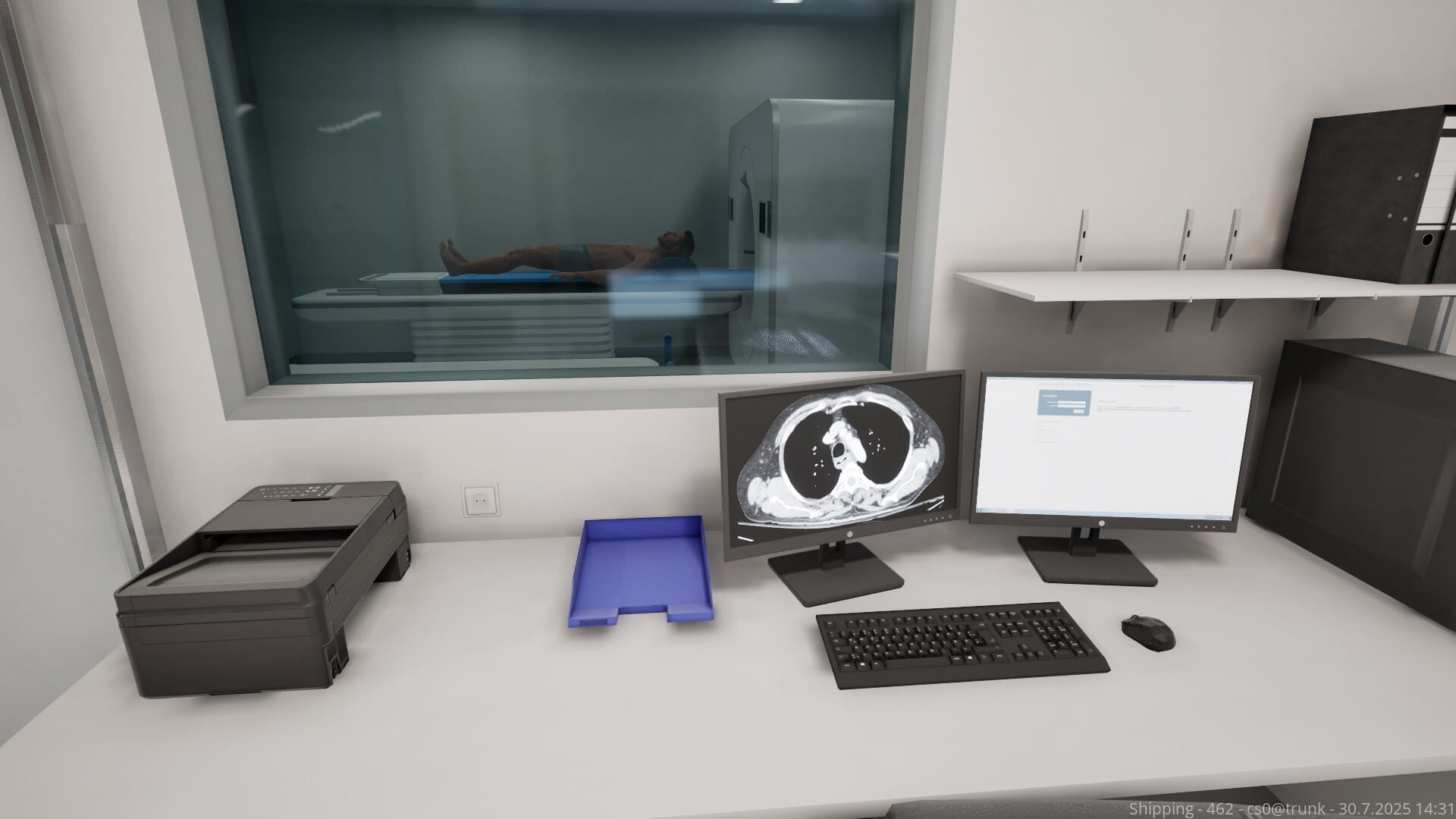
Emergency Room Simulator lists identical minimum and recommended PC specifications on Steam as of pre-launch — unusual but helpful for budget builds. Before you wishlist the August 13, 2026 release, compare your rig against these numbers and plan upgrades if you are still on 8 GB RAM or older GPUs below DirectX 12 support.
Console players on PS5 and Xbox Series X|S can skip GPU anxiety but should still read console controls and storage tips below if installing on PC secondary drives.
Minimum requirements (Steam)
| Component | Specification |
|---|---|
| OS | Windows (64-bit implied by modern Aerosoft titles) |
| Processor | Intel Core i7-4770K or AMD Ryzen 5 1500X |
| Memory | 16 GB RAM |
| Graphics | NVIDIA GeForce GTX 1060 6 GB or AMD Radeon RX 6600 8 GB |
| DirectX | Version 12 |
| Network | Broadband Internet connection |
| Storage | 50 GB available space |
| Sound | DirectX compatible sound card |
Recommended requirements (Steam)
Steam currently duplicates the minimum table — no higher tier published. Treat minimum as the target experience until Aerosoft patches the store page post-launch with ultra settings guidance.
What each spec means in gameplay
CPU (i7-4770K / Ryzen 5 1500X)
Emergency departments simulate multiple patients, staff, and equipment states. CPU headroom prevents hitching when switching between chart UI and 3D trauma bays. Ryzen 5 1500X-class chips remain viable at 1080p if GPU matches spec.
RAM (16 GB)
16 GB is the hard floor — 8 GB machines may launch but stutter during scene loads. Close browser tabs and overlays before long shifts.
GPU (GTX 1060 6 GB / RX 6600 8 GB)
These GPUs target 1080p medium in modern sims. If you run 1440p or ultrawide, expect to lower shadows and post-processing. DirectX 12 path requires up-to-date drivers — use NVIDIA/AMD clean installs before launch week.
Storage (50 GB)
Fifty gigabytes suggests high-resolution textures and voiced content. Install on SSD/NVMe if possible; HDD installs work but lengthen load times between cases. Leave 10 GB extra for patches and shader caches.
Network
Broadband is listed though the game is single-player — likely for updates, Steam DRM, and potential online features. Offline behavior will be confirmed at launch.
Quick self-check workflow
- Press Windows + Pause or open System Information — verify RAM ≥ 16 GB
- Check GPU model in Task Manager → Performance
- Run Steam’s built-in storage manager — ensure 50 GB free on fastest drive
- Update GPU drivers to latest WHQL
- Test DX12 capability with other titles if unsure
Settings tips for borderline hardware
- Start at 1080p, 60 FPS cap
- Lower shadow quality first
- Disable motion blur if present
- Use PC controls mouse mode if controller rumble adds input lag on weak CPUs
Console equivalents
PS5 and Xbox Series X|S hardware exceed these PC minimums. Series S may use reduced resolution modes — watch Digital Foundry-style analysis after embargo if you care about 60 FPS locks.
When specs change
Publishers update Steam requirements after optimization patches. Monitor Updates — we revise this table same day when Steam diffs.
Related pages
Frequently Asked Questions
Quick answers to the most common questions.
Can I play on 8 GB RAM?
Steam lists 16 GB minimum. 8 GB is below spec and likely unstable.
Do I need an SSD?
Not required on paper, but strongly recommended for 50 GB sim loads.
Are Mac or Linux supported?
Steam shows Windows only. No Mac/Linux ports announced.
Will specs drop after launch?
Possible via patches. We update this page when Steam changes listings.